A home screen that feels like yours.
246 widgets and 210 matching wallpapers, in three looks. Pick a clock, a calendar or your favourite photo, then make it your colour, your shape, your font.

Free for Android phones and tablets. No ads.
Three looks. Pick your mood.
Every widget comes in all three, so you can mix them or keep one style across the whole screen.
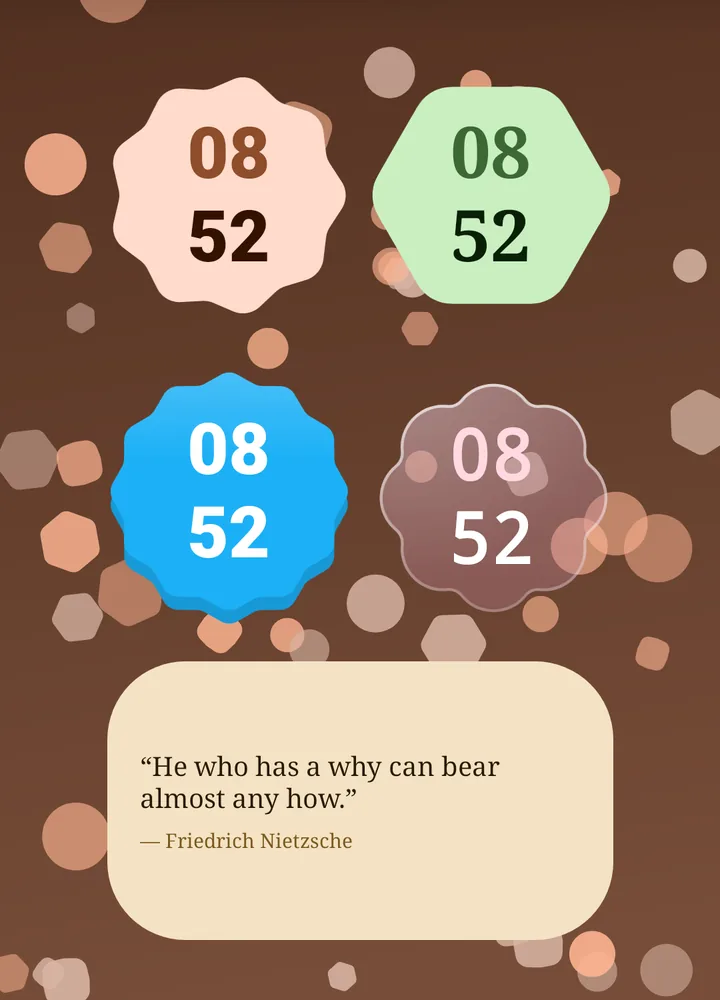
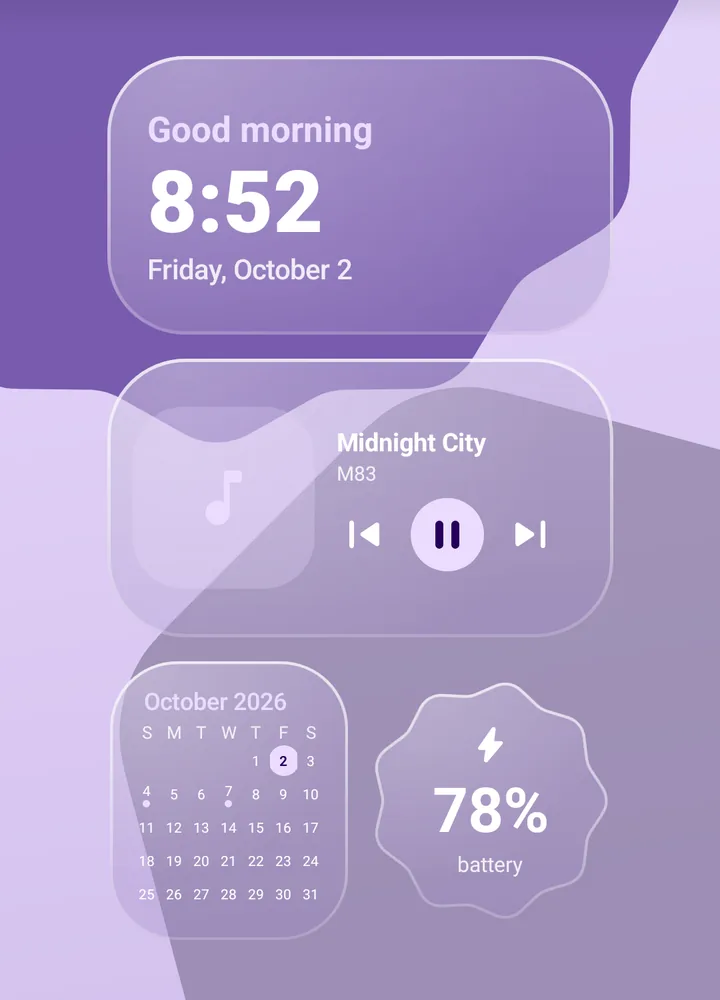
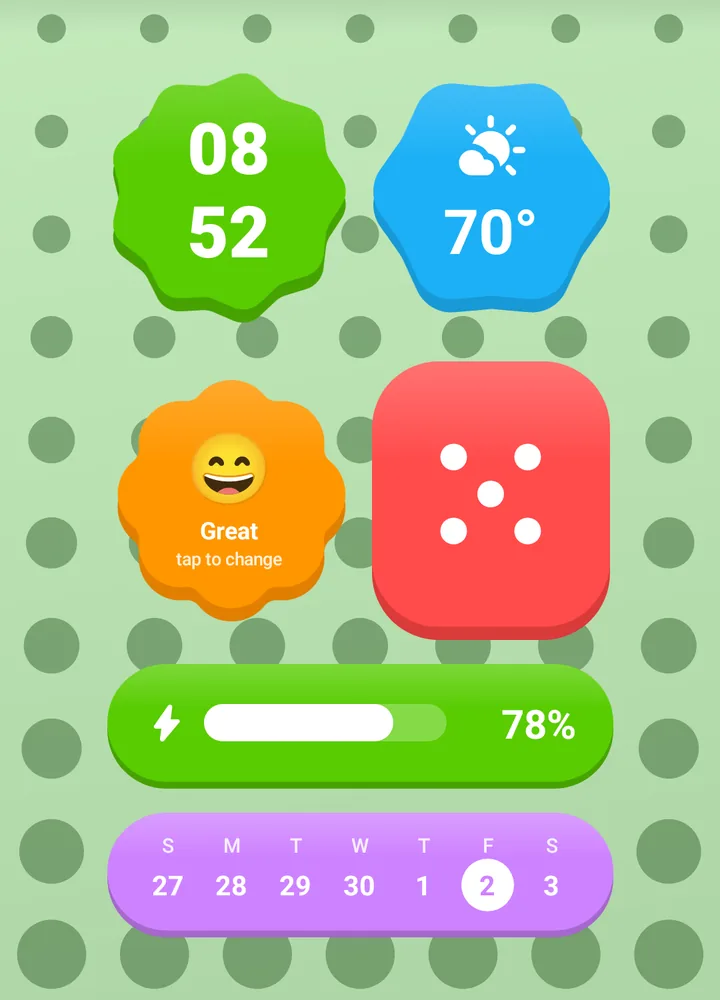
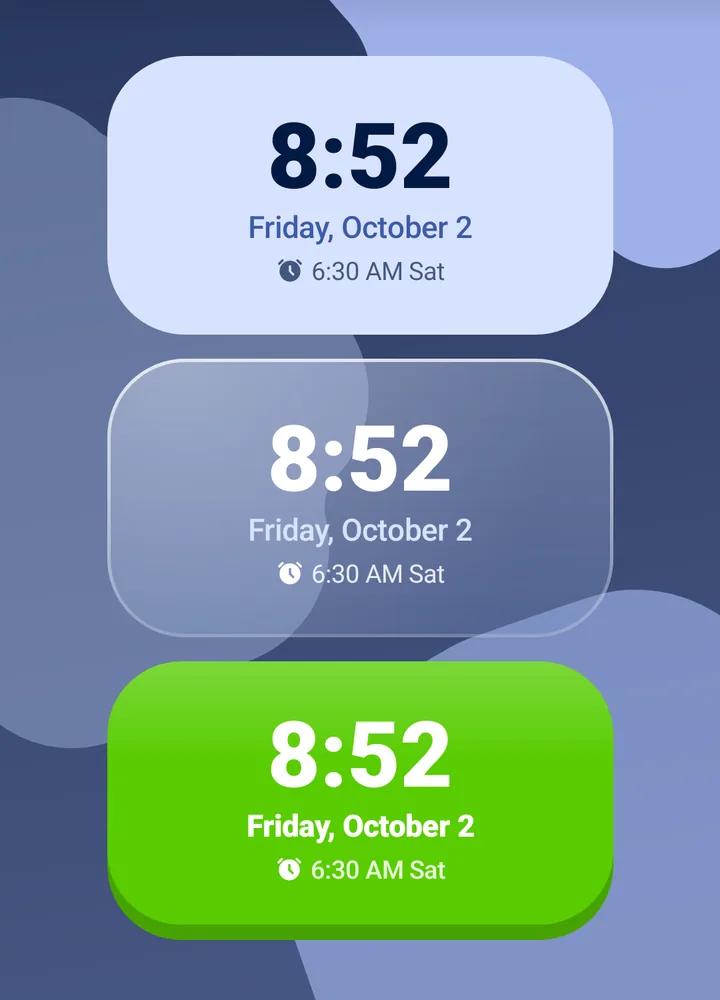
Make every widget yours
Change anything while you watch it update on your home screen. No two home screens end up the same.
- 8 colour sets, or your wallpaper's own colours
- 10 shapes: cookie, scallop, flower, gem, pill, arch and more
- 6 fonts and adjustable see-through backgrounds
- Your own photo behind any widget
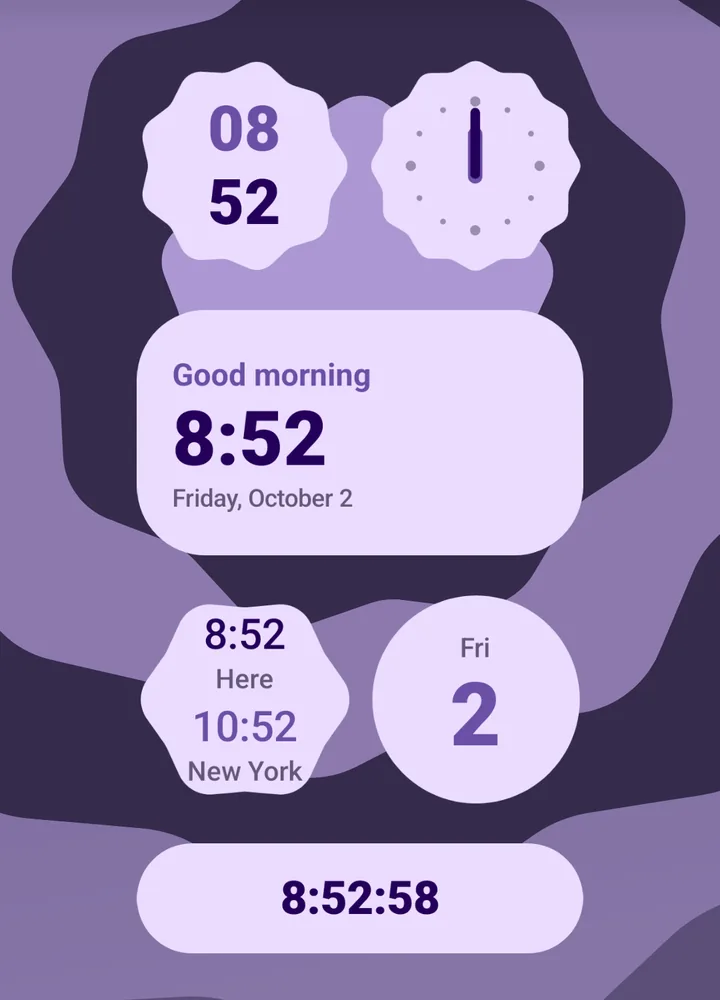
Clocks that never freeze
Every clock is kept on time by your phone itself, so it's always right and costs no extra battery. Digital, analog, with seconds, world time, or a friendly "Good morning".
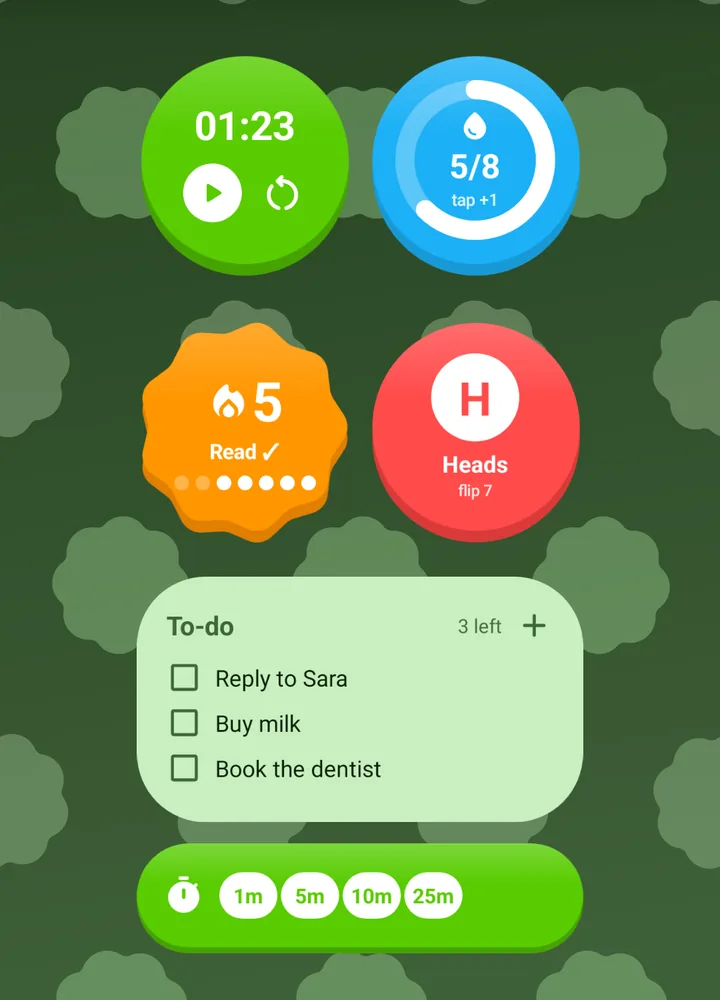
Widgets you can tap
Small things you do every day, right on your home screen, without opening an app.
- To-do list, habit and water trackers
- Stopwatch and one-tap timers
- Coin flip, dice, tally counter and mood check-in
- Music controls, flashlight and favourite contacts
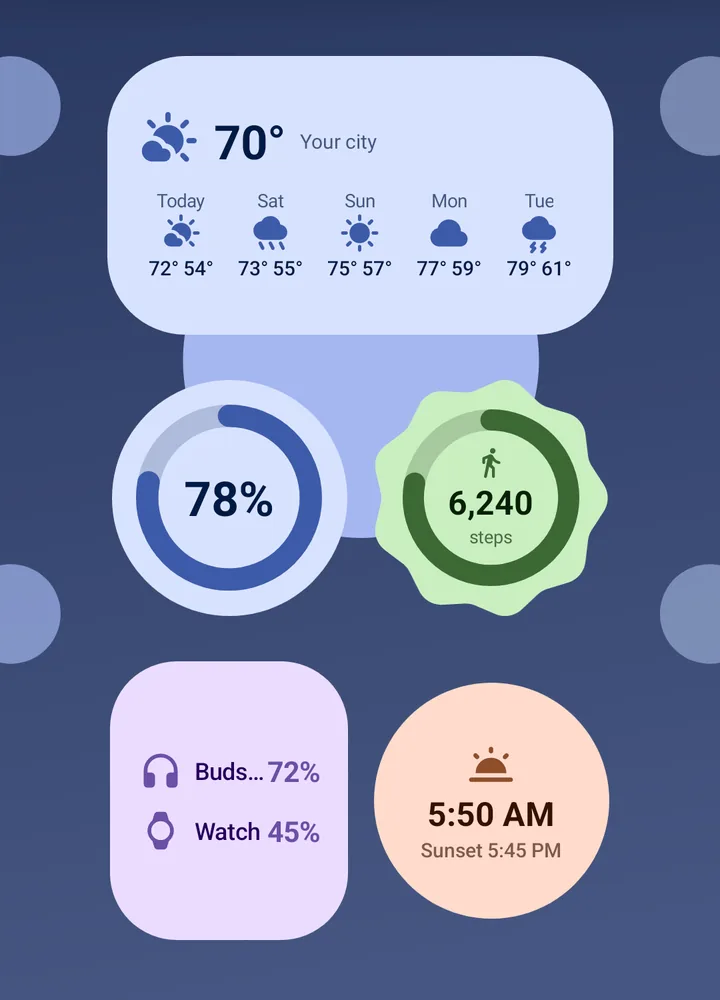
The things you check, at a glance
- Weather now, by the hour and for the week
- Calendar, next events and countdowns
- Battery for your phone, earbuds and watch
- Steps, moon phase and a daily quote
- Photo frames that change every hour
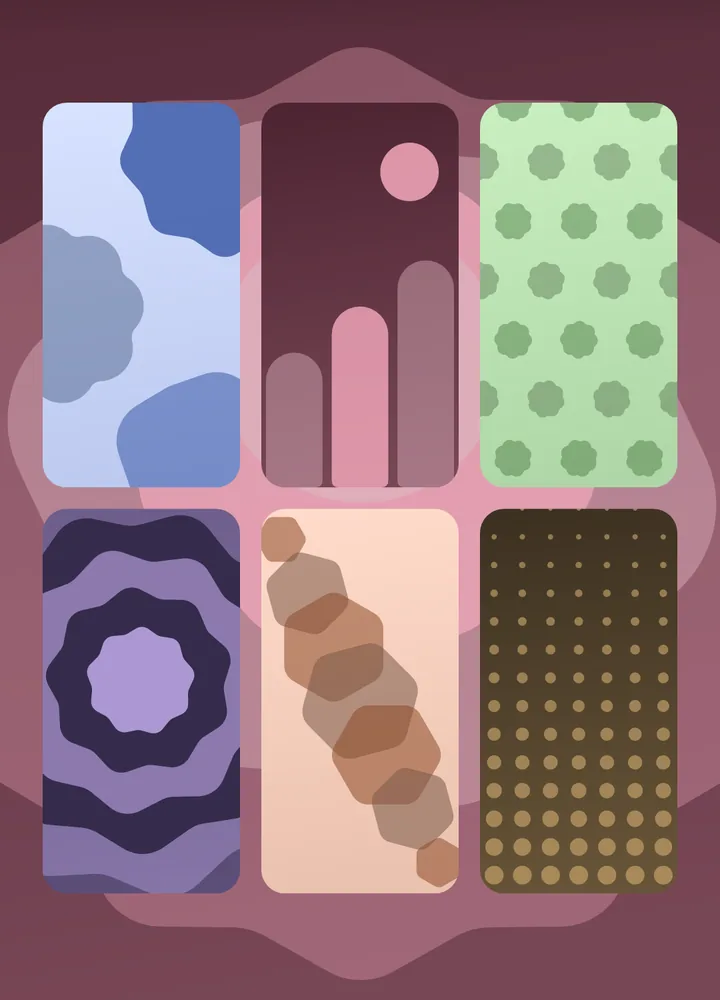
Wallpapers that match
210 wallpapers, drawn in the same shapes and colours as your widgets, in light and dark. Set one in a tap and the whole screen fits together.
Start free. Pay once if you love it.
No subscription, and no ads in either version.
Free
$0
- 16 widgets, in all three looks
- Every colour, shape, font and photo option
- 2 wallpaper patterns
Pro
$0.99 once
- All 246 widgets
- All 210 wallpapers
- Every new widget we add, at no extra cost
One payment through Google Play. Prices may differ in your country.
Your things stay on your phone
No account to make. Your notes, photos, contacts, calendar, steps and devices never leave your phone. The only thing sent anywhere is your weather location, to get the forecast.
Questions
Will it work with my phone's home screen?
Yes. Shapely uses Android's standard widgets, so they work with your phone's own launcher and most others. Add them from the app, or from your home screen's widget list.
Does it work on tablets?
Yes. Every widget is drawn at its exact size, so it stays sharp on big screens and when you resize it.
Will widgets drain my battery?
No. Clocks are kept on time by Android itself, and the other widgets only update when something changes, like the weather or your battery level.
Is Pro a subscription?
No. It's a single payment that unlocks everything, including widgets we add later.
Can I change a widget after I add it?
Any time. Open Shapely, change the colours, shape, font or photo, and it updates on your home screen.
Make it yours in a minute.